
IP XPORT connection tool
Communicate with your ACRN devices in ethernet / IP
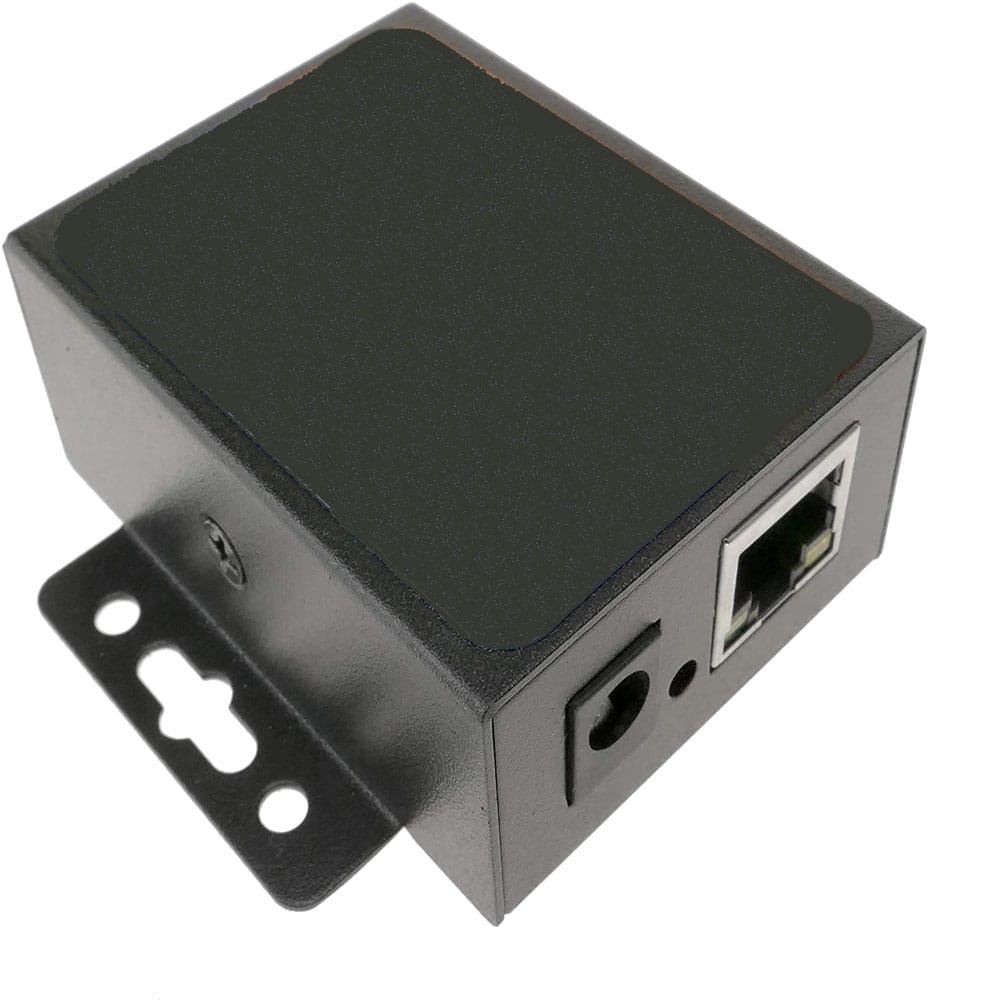
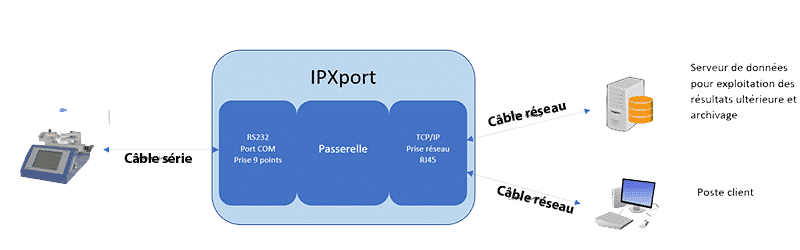
The IP Xport connectivity tool is a serial-to-Ethernet converter that allows any ACRN device with an RS232 serial port to be connected to an Ethernet/IP network. In just a few minutes, your measuring instruments can be accessed from any workstation on the network, without changing how they operate or their internal wiring.
The principle is simple: the Xport connects the COM port of the ACRN device to the network via a standard RJ45 cable. It supports all common network communication protocols (TCP, UDP, HTTP) and supports DHCP for seamless integration into your existing network infrastructure. Up to 16 clients can connect simultaneously in TCP server mode.
This is the key solution for Industry 4.0 projects, the centralization of quality control data, and the integration of ACRN instruments into production information systems (SPC, MES, LIMS, ERP)
- UFast delivery
- UIntegrated ACRN After-Sales Service
- UCOFRAC
- UMade in France
- UTechnical Support
The Product
Description
Use Cases for the IP Connection Tool
Industry 4.0 and Centralized Data Collection
In modern production facilities, manually collecting measurement data is a source of errors and wasted time. The IP Xport connection tool allows you to connect your torque transducers, measurement consoles, and leak test chambers directly to the network—data is automatically transmitted to your monitoring system without any operator intervention.
Archiving on a production PC
For remote or hard-to-reach quality control stations, the XPort eliminates the need for a USB cable between the instrument and the PC. Data is transmitted over the existing Ethernet network, with no distance limitations.
SPC Integration and Information Systems
The ACRN communication protocol supported by Xport enables direct integration with statistical process control (SPC) software, manufacturing execution systems (MES), and quality databases via TCP server, UDP client, or HTTP modes.
Multi-device deployment
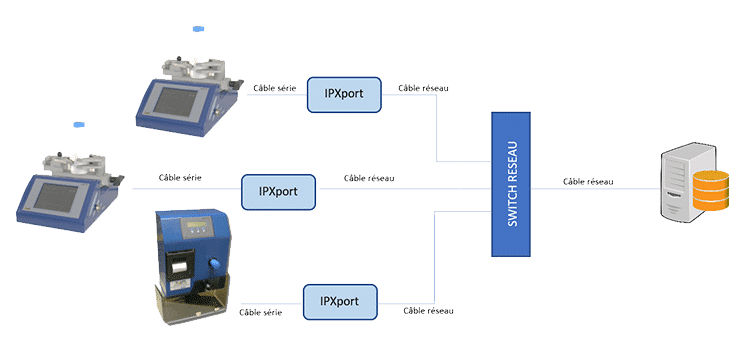
In production lines with multiple measuring instruments, the XPort allows all of them to be connected to the same network and data collection to be centralized on a single server, simplifying the IT architecture and maintenance.
IpXPort vs. DataXport®: Which Solution Should You Choose?
ACRN offers two connectivity solutions for its equipment, tailored to different needs:
DataXport is the simple solution for a single workstation: the software is installed on a USB flash drive, and the value is entered into the active software (Excel, web form, etc.) via keyboard emulation using an RS232-USB cable. This is the ideal solution for an operator who manually collects measurements on their own PC.
The IP XPort connectivity tool is the networking solution for multi-station architectures or system integrations: data is transmitted via Ethernet-IP and can be received by multiple clients simultaneously, integrated into an SPC, or automatically archived. This is the ideal solution for automation and Industry 4.0 projects.
Both solutions are compatible with the same ACRN equipment and can coexist within the same installation.
In what situations should IP Xport be used?
- “Connected Plants” projects
- Centralization of production control data by connectiong control devices to the network.
- Archiving on a PC in production station
- Implementation of a SPC Plant software or other information system modules
Includes:
- Cable Serial to Serial
- IP Xport Box
- 5V power supply with adaptater
- Connection guide
- Communication protocol guide for ACRN devices
Configuration of the serial link
| Data bits | 5,6,7,8 |
| Stop bits | 1,2 |
| Check bit | None, Even, Odd, Space, Mark |
| Baud rate | 600 bps~230.4Kbps |
Hardware compatibility:
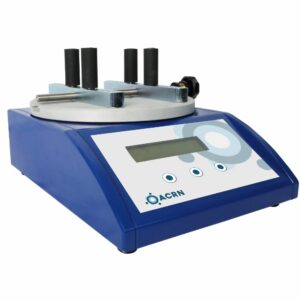
- Torquemeters NBA, and NCA
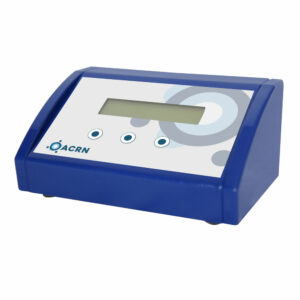
- Terminal XA et XAm
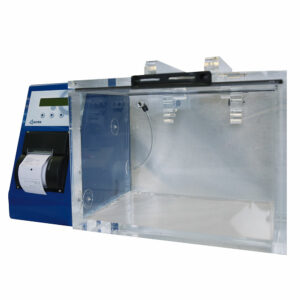
- Vacuum box CTEX
- Tube seal tester ATS-X
- Aerosol pressure controler PA-X
Ethernet Specifications
| Work mode | TCP Serveur, TCP, UDP Client, UDP Serveur, HTTPD Client |
| Maximum client IP | 16 clients max in server mode |
| DHCP supported | Yes |
| Connexion control | Heartbeat functionnality |
For use with:
The DataXport® software — add-on solution for individual workstations without network integration.
The NBA Electronic Torque Meter — XPort-compatible for network transmission of torque values.
The XA-m measurement console — XPort-compatible for network integration of force and torque measurements.
The CTEX Sealing Box — XPort-compatible for centralized archiving of leak test results.
Specifications
Technical specifications
| Connector A | COM (SERIAL) port, 9-pin female SUB-D (for male cable) |
|---|---|
| Connecteur B | Ethernet Port RJ45 |
| Dimensions | 71 x 60 x 25mm |
ACRN Line